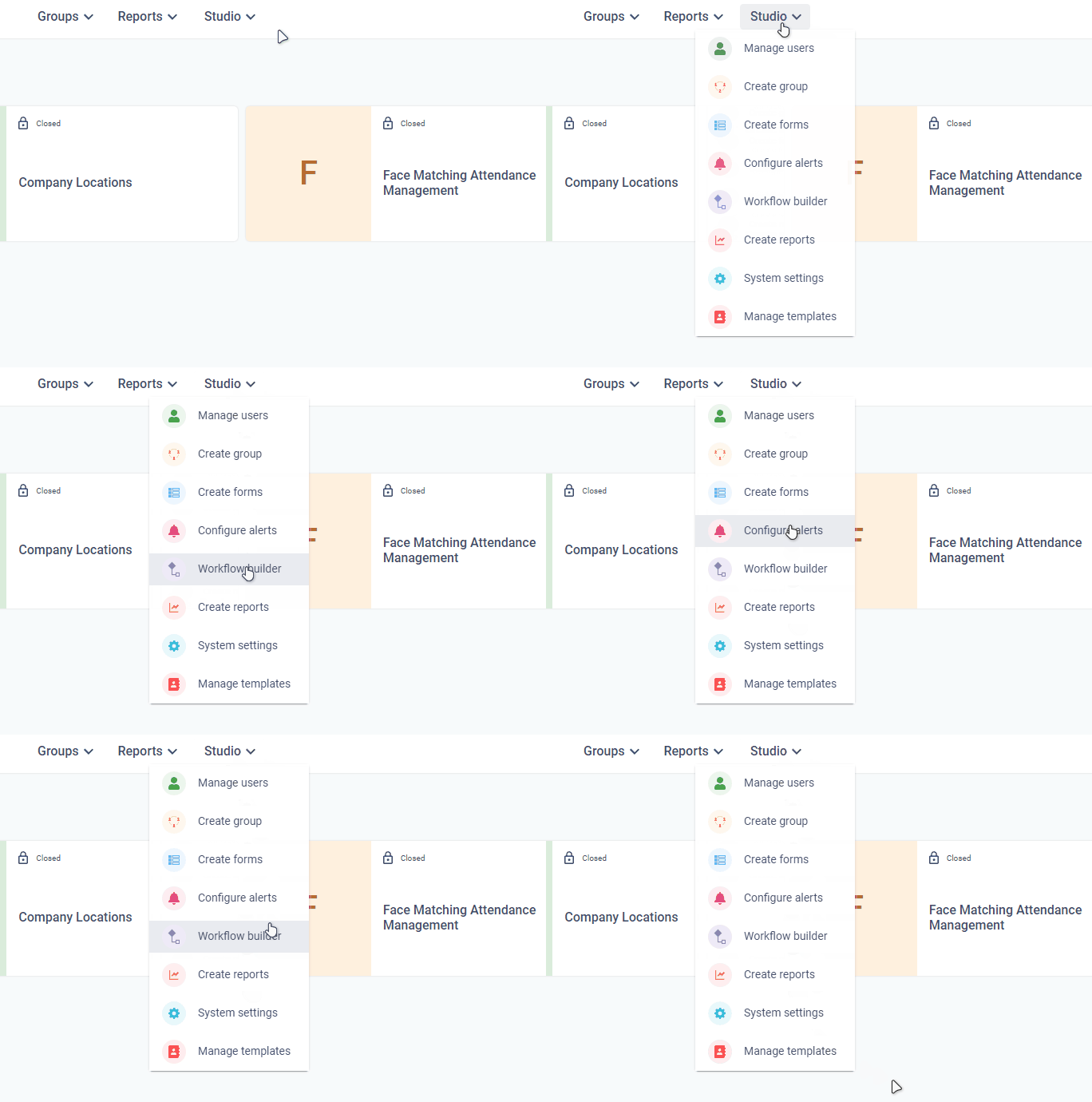
Studio Menu options
Studio Menu options
| Studio Menu | Description |
|---|---|
| Manage users | Create and manage users inside a company |
| Create group | Create groups/application for your organization |
| Create forms | Create a form to collect the data for your process |
| Workflow builder | Configure process flows for individual forms |
| Configure alerts | Configure alerts for users in the form of emails, SMS and app notifications |
| General system settings | System settings like login and authentication |