> For the complete documentation index, see [llms.txt](https://docs.senpiper.com/llms.txt). Markdown versions of documentation pages are available by appending `.md` to page URLs; this page is available as [Markdown](https://docs.senpiper.com/alarm-builder/alarms-for-custom-data-exports/add-a-new-alarm.md).
# Add a new alarm
In the **Send a communication on form submission** card, click **Continue.**\
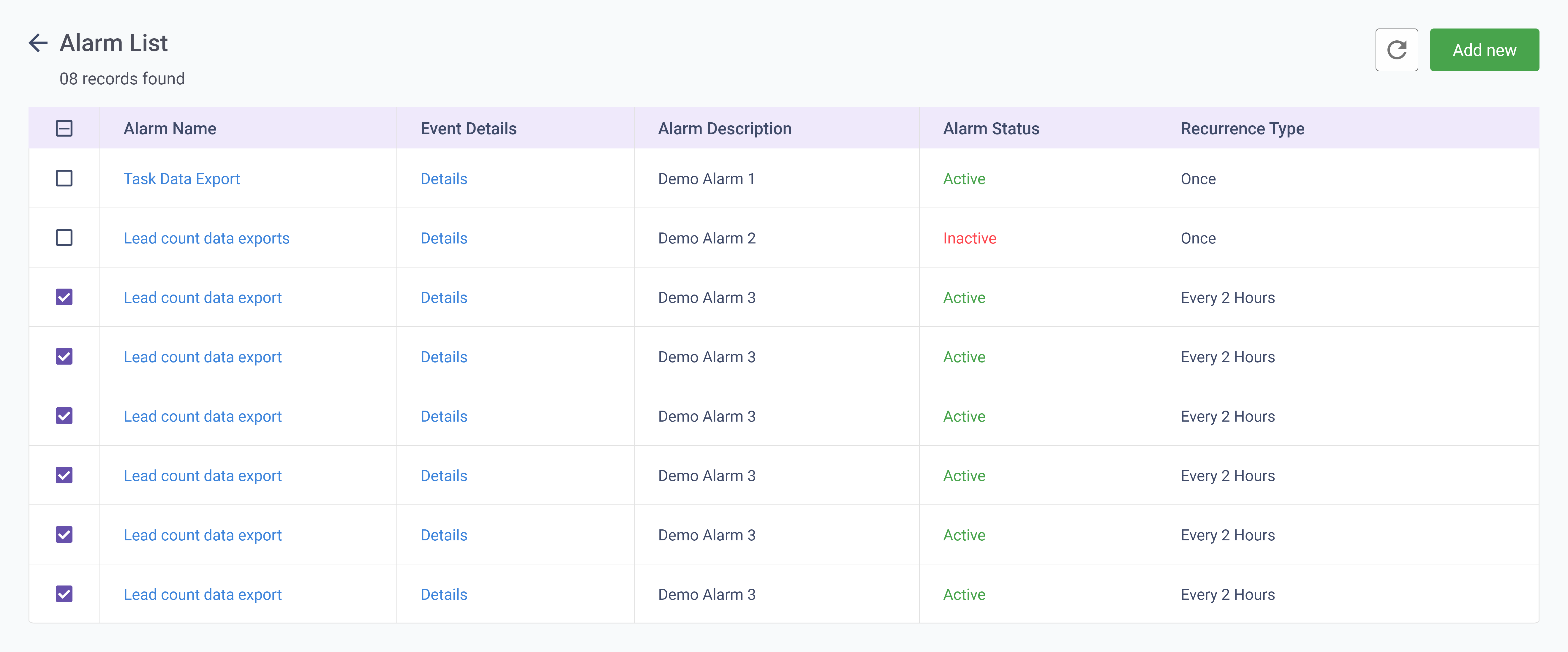
The list of existing alarms and their details are displayed.
On the top right of the screen, click **Add New**.\
The **Steps** screen for setting up alerts is displayed.